

Restore Wizard
Restore List and History
The opening page on the Restore tab provides the ability to create a new restore, view and edit previously saved restores, and see history of previously in progress or completed restoration processes.
Use the New Restore button in the top-right of the page to create a new Salesforce record restore.
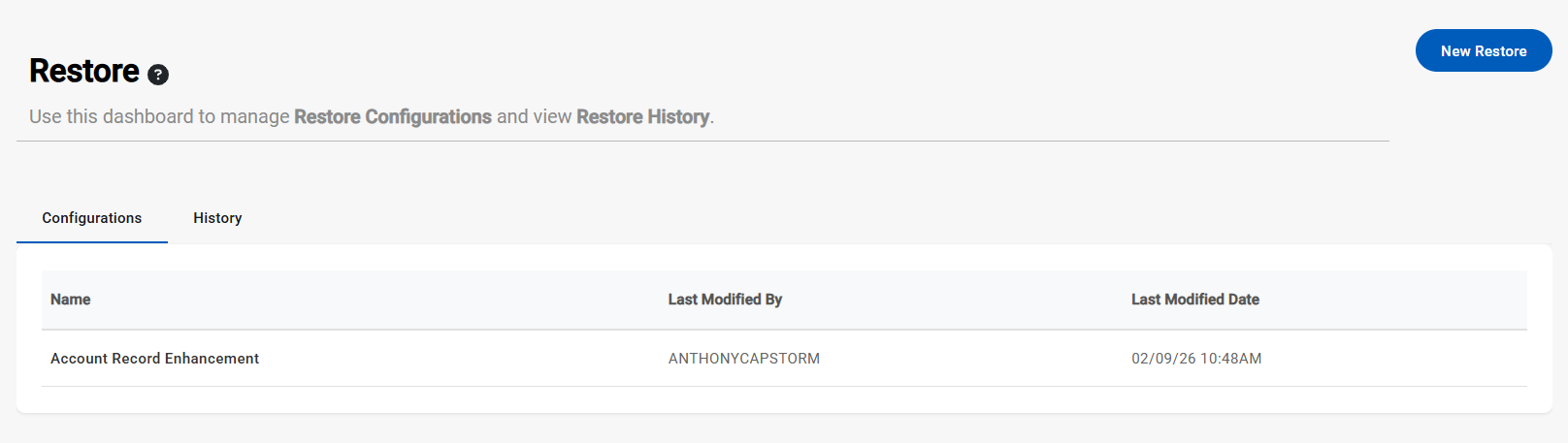
The list view on the Restore tab shows all in progress or completed restore configurations. Click on a row in the Configurations table to view, edit, or continue and restore processes.
The History view within this page shows all candidate scans and restorations that have occurred for the selected configuration. Information including tables scanned/restored, exceptions, system resources, and timing can be found here.