

Database Management
The Database Management page allows for creating new schemas within the default database associated with the application, or connecting to previously created Snowflake CapStorm databases (a Snowflake CapStorm database is a database/schema that was built out using a CopyStorm record backup). New schemas can be created for record backup, or for the restoration process as a tracker database. As a safeguard, these created databases can enabled “Prevent Deletion” to ensure that they cannot be deleted through the application. This does not remove the ability to drop databases using a database admin tool. By default when the application is installed, a SALESFORCE and DEFAULT_TRACKER schema are created to hold Salesforce record backups and record restoration details respectively.
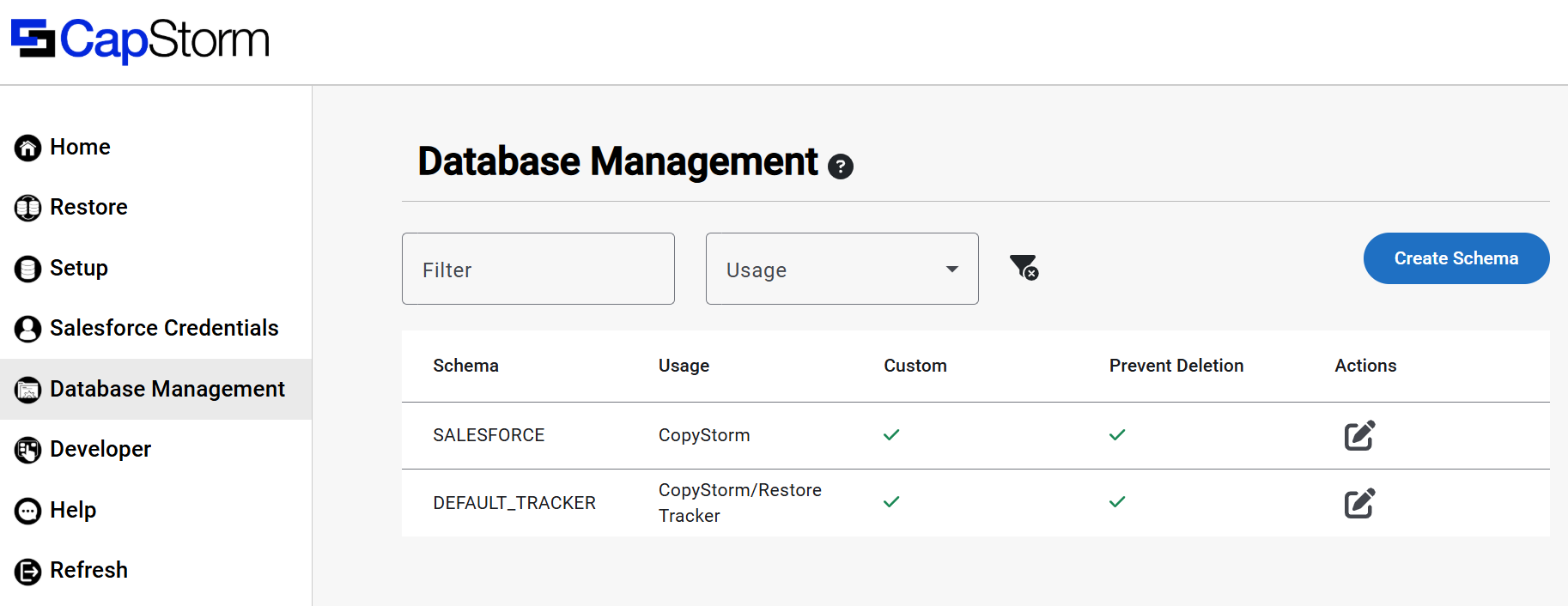
Creating a New Schema
To create a new schema within the application database, click the Create Schema button in the top right of the page. By default, a user can input a name for a new schema to be created as well as a usage. The Prevent Deletion checkbox at the bottom of the form when checked ensures that the schema cannot be dropped from Snowflake from within the application. Click Confirm to save and create the new schema.
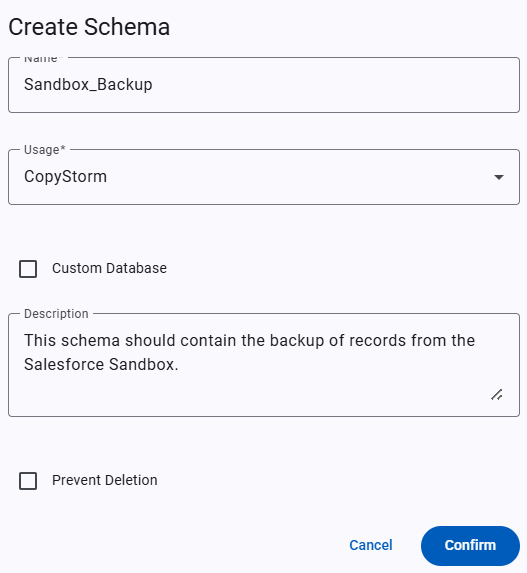
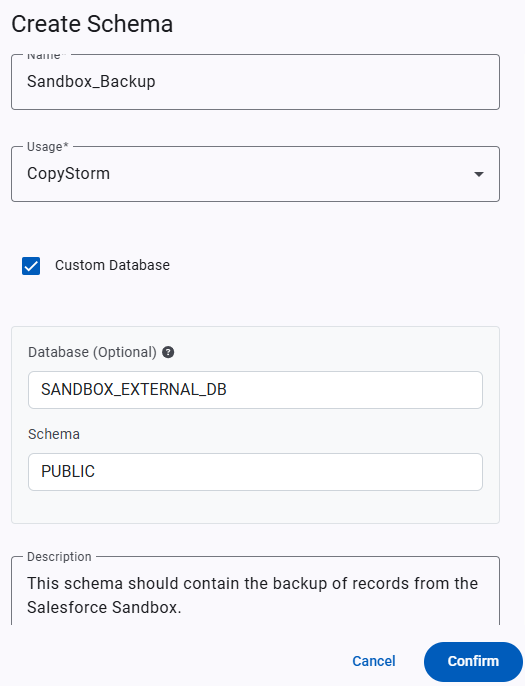
Connecting an Existing Database
For any users that have used the CopyStorm desktop application to backup Salesforce records from Snowflake, the Custom Database checkbox can be used to register that Snowflake database with the application. To do so, check the Custom Database checkbox in the form and input the name of the database and schema. If the database field is left blank, the default application database is assumed. Note for any external databases to be used within the application, they must be granted access using the steps provided here.
Editing an Existing Schema
To edit an existing database, click the icon in the Actions column of the table. This allows for the input database and schema to be updated in the backing store. Note that for any custom database information that is changed, access must be explicitly granted if changing to a new database/schema pair.